Need to make a quick change to a PDF? Our free online PDF editor lets you edit, merge, split, and convert your PDF files instantly, right in your browser. Best of all, your files are processed locally on your device, meaning you never have to upload them to a server. It’s fast, private, and 100% free.
The Fastest Way to Edit PDFs Online—No Strings Attached
Forget complicated desktop software and risky online tools that demand your email address. Our PDF editor is built for speed and simplicity. You can instantly edit PDF documents without installing any software or creating an account. We believe in providing powerful tools without the usual hassle, which is why our service is 100% free forever, with no watermarks or hidden costs.
Why Use an Online PDF Editor?
An online PDF editor gives you the freedom to work from any device, anywhere. Whether you’re on a desktop, laptop, or tablet, you can access all the tools you need without being tied to a single machine. It’s the perfect solution for making quick edits, filling out forms, or organizing documents on the go, all without a steep learning curve or bulky software updates.
Your Privacy is Our Priority: Edit Without Uploading
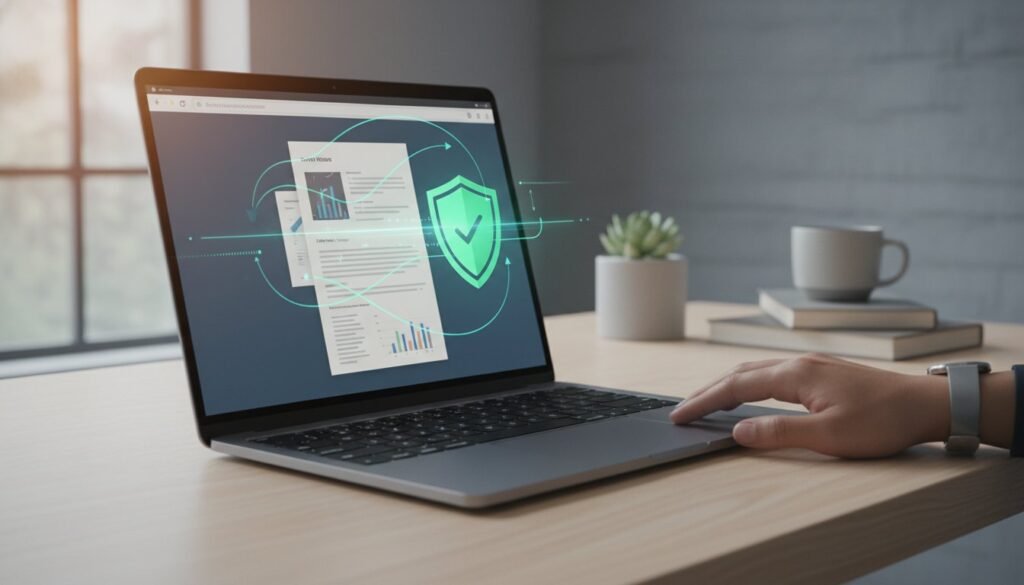
Your security is non-negotiable. Unlike other online editors that require you to upload your sensitive documents to their servers, our tools work differently. All processing happens locally in your browser, on your own computer. This means your files never leave your device, ensuring your documents and data remain completely private and secure from start to finish.
A Full Suite of PDF Tools at Your Fingertips
Our platform goes far beyond basic text edits. We provide a powerful and comprehensive suite of tools designed to handle any PDF task you can think of. From organizing pages and compressing files to converting formats and adding signatures, you have everything you need in one place.
Organize & Manage Your PDFs
Bring order to your documents with ease. You can merge multiple PDF files into a single, clean document for streamlined reporting or combine receipts into one file. If you have a large file, you can split it into several smaller ones or extract only the specific pages you need. Deleting unwanted pages is just as simple. Ready to get started? Combine your PDF files now.
Optimize & Convert Files
Large PDF files can be difficult to email or share. Use our compression tool to dramatically reduce file size without sacrificing quality. Need your document in a different format? Effortlessly convert your PDFs to JPG, Word, and other popular file types. You can also create a professional-looking PDF from a collection of images or a Word document in just a few clicks.
Add & Modify Content
Make your documents dynamic by adding text, images, and shapes wherever you need them. Fill out forms quickly and add your digital signature to make them official. If you need to protect sensitive information, our whiteout tool allows you to easily redact text or sections of your document, ensuring complete confidentiality before you share it.
How to Edit a PDF in 3 Simple Steps
Editing a PDF has never been easier. Our intuitive interface gets the job done in seconds. Just follow these steps:
- Drag and drop your PDF file directly into the tool window in your browser.
- Use the simple toolbar at the top to make your desired edits—add text, merge, split, or sign.
- Once you’re finished, click the “Download” button to save your newly edited PDF to your device instantly.
Frequently Asked Questions
Is this PDF editor really free to use?
Yes, absolutely. All our tools, including the PDF editor, are 100% free to use forever. There are no hidden fees, subscription costs, or surprise charges.
Are my files secure when using your tools?
Yes. Your privacy is guaranteed because your files are never uploaded to our servers. All editing and processing happen locally on your own computer.
Will there be a watermark on my edited PDF?
No. We never add watermarks to your documents. The file you download will be clean and professional, just as you intended.
Do I need to create an account or sign up?
No registration is required. You can start using the PDF editor immediately without creating an account or providing any personal information.
Can I use this PDF editor on my Mac/Windows/Linux computer?
Yes. Our tools are browser-based, which means they work on any operating system—including macOS, Windows, and Linux—as long as you have a modern web browser.
What is the maximum file size I can edit?
Since all processing is done locally on your device, performance depends on your computer’s resources. However, our tools are optimized to handle most common document sizes with ease.
Stop waiting for software to load and stop worrying about your privacy. With over 40 powerful and free tools trusted by users for fast and private file editing, you have everything you need in one place. Experience the freedom of a tool with no uploads, no registration, and no limits. Start Editing Your PDF Now—It’s Free!