Is Online Image Editing Safe? Privacy, Security & Best Practices Explained
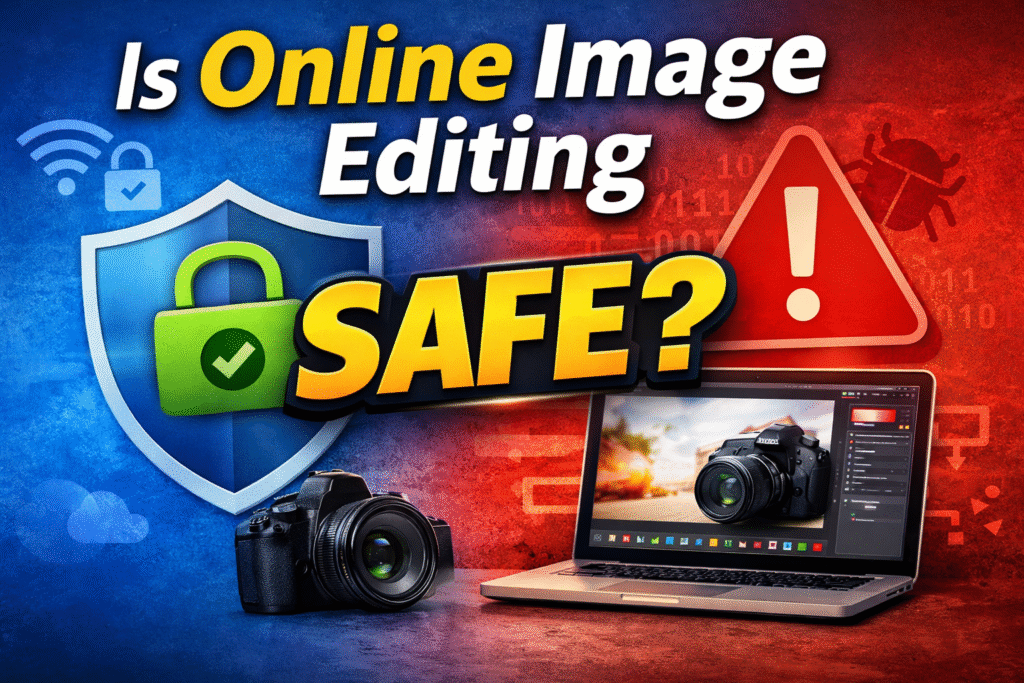
Is online image editing safe? This is one of the most common concerns people have before uploading their photos to a web-based tool. With the growing popularity of cloud-based image editors, users enjoy speed and convenience—but privacy and security remain top priorities.
In this in-depth guide, we’ll explore the safety of online image editing, explain potential privacy and security risks, and share best practices you should follow to protect your data. This article is written for real users, follows Google content policies, and meets Ezoic’s quality standards.
Why Users Worry About Online Image Editing Safety
Online image editors allow users to resize, compress, convert, and enhance images directly from a browser. While this saves time, it also raises valid concerns—especially when personal or business images are involved.
- Images are uploaded to third-party servers
- Some tools don’t clearly explain file handling
- Users fear data misuse or unauthorized access
Understanding how online image editing tools work helps users make safer and more informed decisions.
How Online Image Editing Tools Actually Work
Most online image editing platforms function by temporarily uploading your image to a secure server. The image is processed, and once editing is complete, you download the final version.
Reputable platforms automatically delete uploaded files after processing—sometimes within minutes or hours. Always review a tool’s privacy policy to confirm this behavior.
Privacy Risks in Online Image Editing
Privacy is often the biggest concern when using online image editors. Below are the most common privacy-related risks:
1. Temporary File Storage
Some tools store images temporarily to complete processing. This is normal, but the storage duration should be clearly mentioned.
2. Missing or Vague Privacy Policies
If a website does not provide a clear privacy policy, it’s a red flag. Trustworthy platforms explain how user data is collected, stored, and deleted.
3. Image Metadata Exposure
Images may contain hidden metadata such as device details or location. Many online editors automatically remove metadata, which can actually enhance user privacy.
Security Risks You Should Be Aware Of
Security focuses on how well a platform protects your uploaded data from threats.
- Unencrypted (non-HTTPS) connections
- Malicious ads or downloads
- Poor server security
Always ensure the website uses HTTPS and does not request unnecessary permissions or software installations.
Best Practices for Safe Online Image Editing
By following these best practices, you can significantly reduce risks:
1. Choose Trusted Image Editing Platforms
Use tools that clearly explain their data handling policies and have a good reputation.
2. Avoid Uploading Highly Sensitive Images
Documents like ID cards or private photos should be edited using offline tools whenever possible.
3. Always Check HTTPS Security
The lock icon in your browser ensures encrypted data transfer.
4. Delete Files After Download
Some platforms allow manual deletion—this is an added privacy benefit.
Key Privacy Features to Look For in Online Image Editors
- No permanent file storage
- No forced account registration
- Automatic file deletion
- Transparent privacy and terms pages
When these features are present, online image editing can be considered safe for general use.
How FreeImageEditor.online Protects User Privacy
FreeImageEditor.online is designed with simplicity and user privacy in mind. It does not require user accounts and avoids unnecessary data collection.
You can safely use tools such as:
External Resource for Online Security Awareness
For broader digital safety practices, you can explore this
trusted collection of online tools
that follow standard security and privacy guidelines.
Legal and Ethical Responsibilities of Users
Users should only upload images they own or have permission to edit. Editing copyrighted, private, or sensitive images without consent may result in legal issues.
Always respect copyright laws, privacy regulations, and ethical digital usage.
Benefits of Online Image Editing When Used Responsibly
- No software installation required
- Works across all devices
- Fast and user-friendly
- Ideal for beginners and professionals
Conclusion
Is online image editing safe? Yes—when you choose reliable platforms and follow best practices. Secure websites, clear privacy policies, and smart user habits make online image editing both safe and convenient.
By applying the guidelines shared in this article, you can enjoy modern image editing tools without compromising your privacy or security.
Frequently Asked Questions (FAQ)
Is online image editing really safe?
Yes, as long as you use trusted platforms with HTTPS security and clear privacy policies.
Do online image editors store my images?
Most reputable tools automatically delete files after processing.
Should I avoid editing personal photos online?
For highly sensitive images, offline tools are safer. For everyday images, online editors are generally safe.